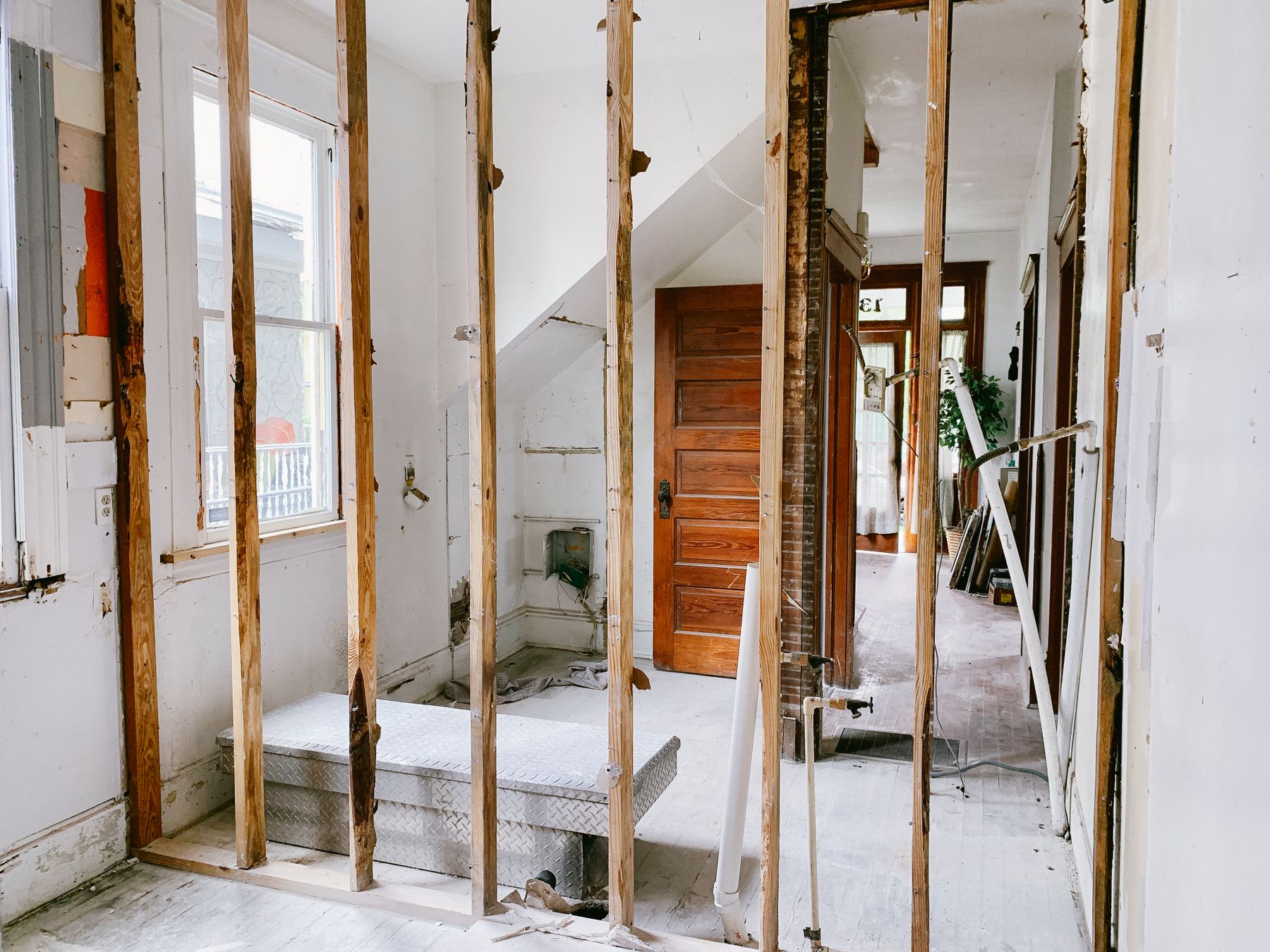
Keep invoices, receipts, contracts, and completion records that explain what the renovation included and what it cost. Those records help support the amounts entered in a cost segregation study and give your CPA a way to distinguish improvements from repairs.
The Basis renovation intake has a Renovation Basics step and 15 cost cards. Organize your records around those cards so you can enter the requested amounts without counting the same cost twice.
Gather the records. Keep the scope of work, itemized bills, and completion dates together for each project.
Separate the costs. Match the work to the categories below, keeping applicable materials and installation labor together.
Reconcile once. Check that each cost appears once and that the category amounts add up to the renovation basis.
Start with Renovation Basics
Renovation completion date. Record when the renovated property was ready and available for its intended rental use. Do not substitute the date you paid the contractor. If different parts of a project became available at different times, flag that for review before choosing a single date.
Total renovation basis. Enter the renovation costs being included as basis in this analysis. That amount is not automatically every dollar spent during the project. Keep repairs and other expenses identifiable so your tax professional can determine their treatment.
The entered cost allocations must match the total renovation basis before the intake opens the review step. Reconcile the amounts to your supporting records as well. A matching total confirms the arithmetic; the records explain what that total contains.
Keep distinct renovation events identifiable by their dates and costs. If your records span several projects, confirm the appropriate submission and pricing with Basis before combining them.
One invoice can cover more than one field
Suppose a fictional $8,000 flooring invoice identifies $6,000 of installed tile and $2,000 of installed carpet. If both amounts belong in this renovation's basis, the records support this split.
Invoice item | Cost |
|---|---|
Tile | $6,000 |
Carpet | $2,000 |
Total | $8,000 |
Enter the tile amount in hard flooring and the carpet amount in the carpet, vinyl, laminate, or rubber flooring field. The two amounts together match this invoice.
Do not enter the full $8,000 in both fields or add installation labor again if it is already included. If the invoice does not provide the split, ask for supporting detail instead of inventing one. These figures explain data entry, not a tax classification.
Organize the 15 cost categories
Use installed costs where the intake requests them, including the applicable materials and labor. An itemized invoice is useful because it shows the components of a cost. It does not mean installation labor should be left out of the entered total.
If a contractor supplied one combined invoice, ask for a breakdown that matches the work performed. Keep shared labor, delivery charges, discounts, and other adjustments visible so they can be allocated consistently without duplication.
Structure
Separate exterior structure work from interior walls or layout work.
Exterior work can include walls, roofing, structural stairs, windows, and enclosure work. Interior work can include framing, drywall, ceilings, and doors used to create or change rooms. Keep invoices that describe the work and its location, and separate deck costs entered on their own card.
Flooring
Separate installed hard-flooring costs from carpet, vinyl, laminate, and rubber flooring costs as requested by the intake.
Keep the material description, room or area, and square footage when available. If the bill combines different flooring types, request the amounts for each type instead of entering the full bill in both fields.
Cabinetry
Separate kitchen cabinets, counters, and other non-bathroom built-ins from bathroom vanities, cabinets, and counters.
Use the applicable installed amounts, including materials and labor, and retain the itemization behind them. A single cabinetry invoice may need to be divided between these groups.
Plumbing
Keep general and bathroom plumbing separate from kitchen and laundry plumbing.
Itemized records should identify the fixtures, piping, and work performed. Ask the contractor to separate repairs from replacement or improvement work when the invoice combines them.
Electrical
Separate general building electrical work from appliance outlets and from generator, battery, or solar work.
Keep descriptions of the equipment and the areas or systems served. A single electrical total can hide distinctions the intake asks you to make.
Lighting & Low Voltage
Organize costs into the intake's requested groups.
Standard room lighting.
Decorative lighting.
Exterior lighting attached to the building.
Site lighting.
Data, phone, and cable work.
Security systems.
Record where the fixtures or systems were installed. Keep these amounts separate from general electrical costs so the same wiring or labor is not included twice.
HVAC
Separate central systems from window or through-wall units and from dryer or appliance venting.
Keep equipment descriptions and installation costs. If equipment such as a particular mini-split system does not clearly fit a field, ask where to record it instead of assigning it by guesswork.
Appliances
Keep receipts or invoice detail for refrigerators, ranges, dishwashers, washers, dryers, and other appliances included in the project.
Record the individual items when a retailer sells them as a package. Retain any installation charges and discounts so the entered amounts reconcile to the amount paid.
Fans & Window Coverings
Keep ceiling fan costs identifiable separately from window coverings such as blinds, shades, and drapery.
Include the relevant installation records. Item descriptions and locations help distinguish what was installed from a general household purchase.
Wall Finishes & Trim
The intake includes wallpaper or paneling and decorative trim.
Keep those costs identifiable in the contractor's bill. If the bill also includes painting or other finish work without a clear matching field, ask how to record it. The absence of a field does not decide whether a cost is deductible or capitalizable.
Mounted Items & Furnishings
Keep costs for address or building numbers, mailboxes or package boxes, and furnishings identifiable.
Document what was purchased and where it was used. Do not assume every mounted item belongs in the same field. Flag an item without a clear match, such as a combined television and installation charge.
Paving, Patios & Walks
Gather invoices for driveways, patio surfaces, and walkways.
Keep dimensions, square footage, material descriptions, and locations when available. Separate these costs from landscaping or structural work included on the same bill.
Decks
Distinguish decks attached to the building from freestanding decks.
Keep the description, location, installed cost, and available plans or photographs. Do not include the same work again under Structure.
Pools & Hot Tubs
Distinguish interior installations from exterior installations.
Retain any breakdown between the pool or hot tub structure and equipment such as pumps or heaters. That detail may be useful even when the intake asks for a broader total.
Landscaping, Fences & Site Work
Separate landscaping from walls and fences, and identify sprinkler or other site work as requested.
Keep gates and related work visible in the documentation. Routine lawn maintenance should remain identifiable separately from improvements being included in renovation basis.
Keep tax treatment separate from data entry
A cost card helps collect information. Selecting one does not, by itself, establish the tax treatment of the expense.
The distinction between a repair and an improvement depends on the facts. The IRS tangible property guidance explains the broader rules. Give your CPA the scope of work and itemized costs when an invoice includes both types of spending.
Short-term rental owners should also confirm the building's depreciation treatment. A listing on a vacation-rental platform does not settle that question. The guide to 27.5-year and 39-year depreciation explains the classification questions to review with your tax professional.
Check the totals before review
Confirm that the renovation completion date reflects when the property was ready and available for use.
Confirm which costs belong in the total renovation basis with your tax professional when treatment is unclear.
Reconcile the cost-card allocations to that total and to the supporting records.
Check that materials, labor, shared charges, and discounts have been counted once.
Keep repairs, separate projects, and items without a clear field identifiable for follow-up.
Save the invoices, receipts, and completion records with your property tax records.
For an unclear intake field or a project spanning several renovation events, use the Basis Help Center to find the current support options. Describe the item and the relevant field so the question can be resolved before you submit.
© 2026 Basis Cost Seg. For informational purposes only and not tax or legal advice. A completed intake does not determine the tax treatment of an expense. Consult a qualified tax professional for guidance specific to your situation.
Further reading
- IRS Cost Segregation Audit Technique Guide, Publication 5653 discusses source records, classifications, and cost support.
- IRS Publication 946, How To Depreciate Property explains placed-in-service timing and depreciation.
- IRS tangible property final regulations guidance addresses repairs, improvements, and related rules.
Stock photo source: Monica Silvestre / Pexels